Sign-up process & Create NGO Workspace
Purpose
Create a personal account to access the platform.
Who can do this: Anyone with a valid email address.
Steps:
Click on the URL: https://ngo.bonoboo.io/ .
Choose a sign-up method:
Create account — select Create account, enter your Email and Password, then select Register.
Sign in with Google — select Sign in with Google, choose your Google account, then create your password, and select Register.
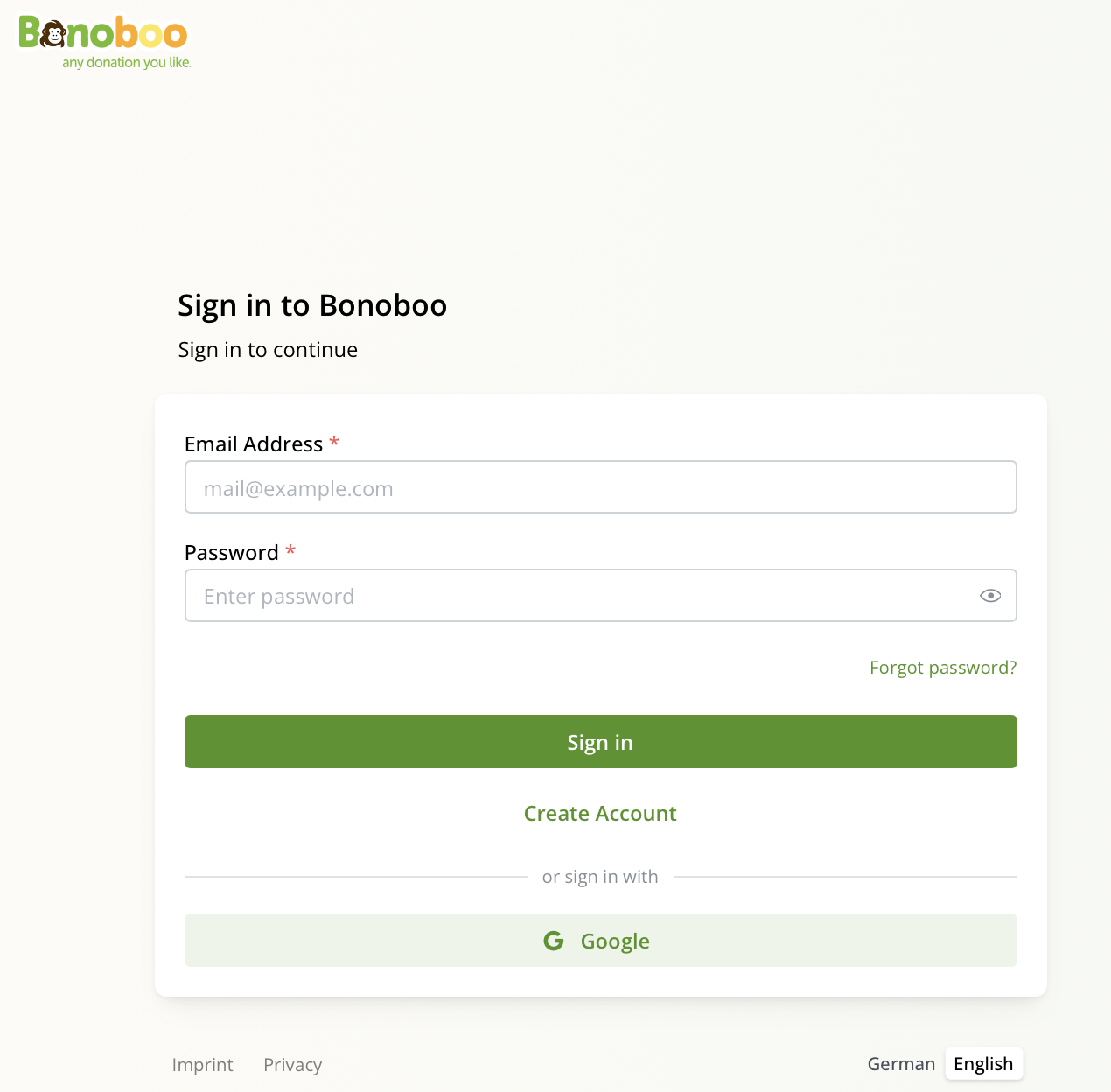
After click on the link
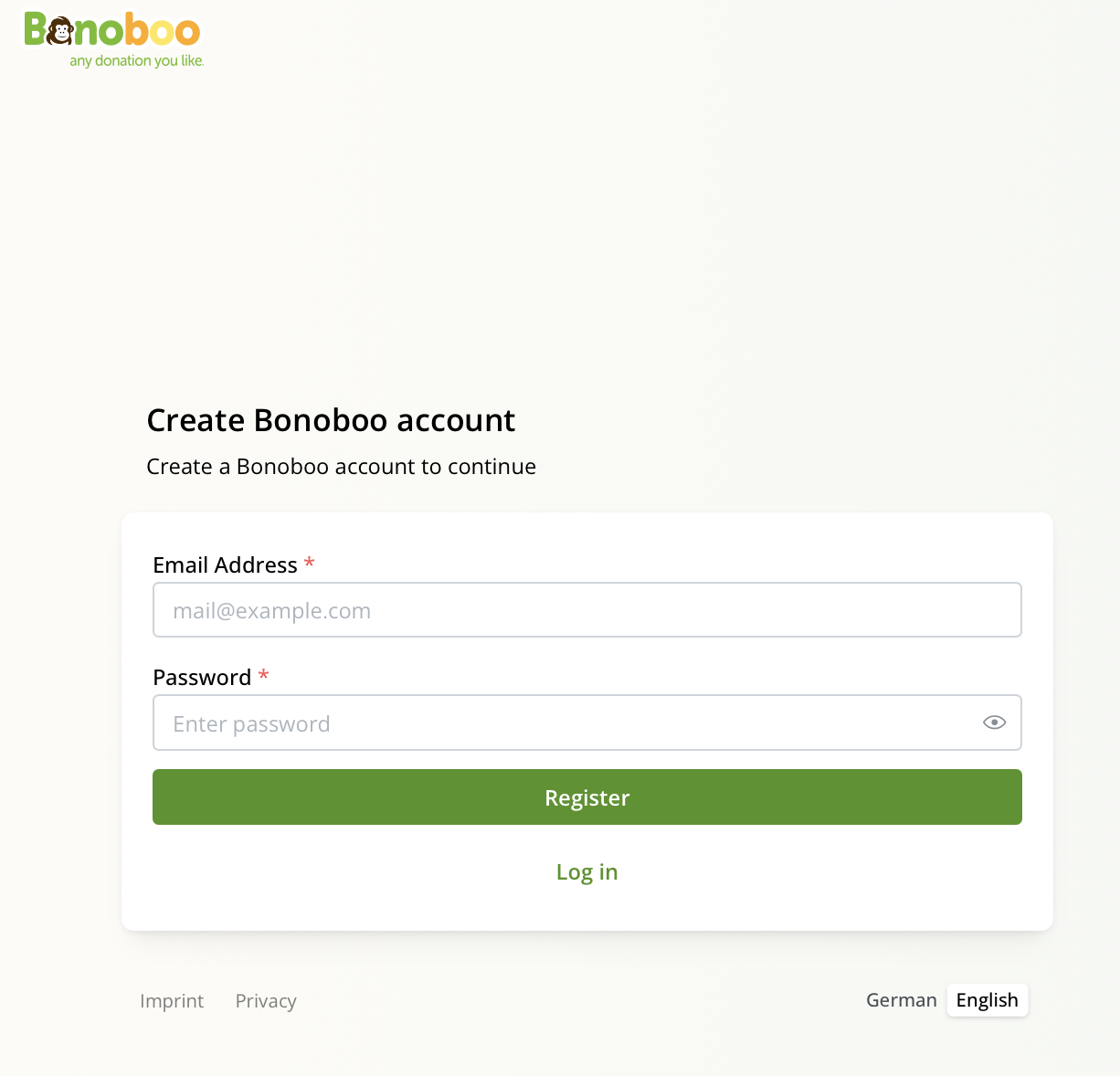
After click on create account

Note for existing partners: If you are an existing NGO partner, after completing Step 2 you will receive a notification with your NGO name. Select Accept, then click on your NGO name to open your workspace. Once selected, you will have full access.
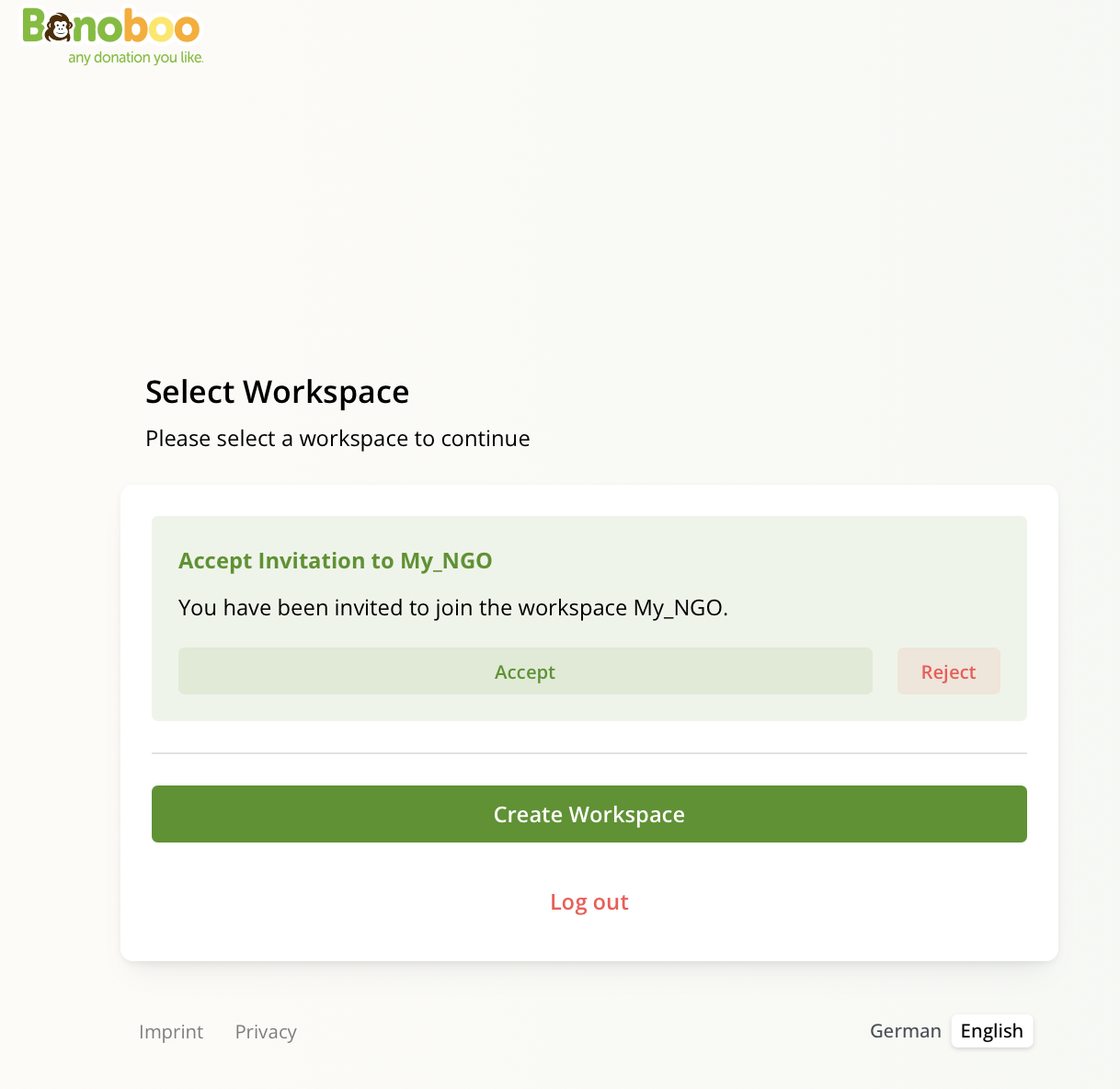
Invitation for your NGO workspace
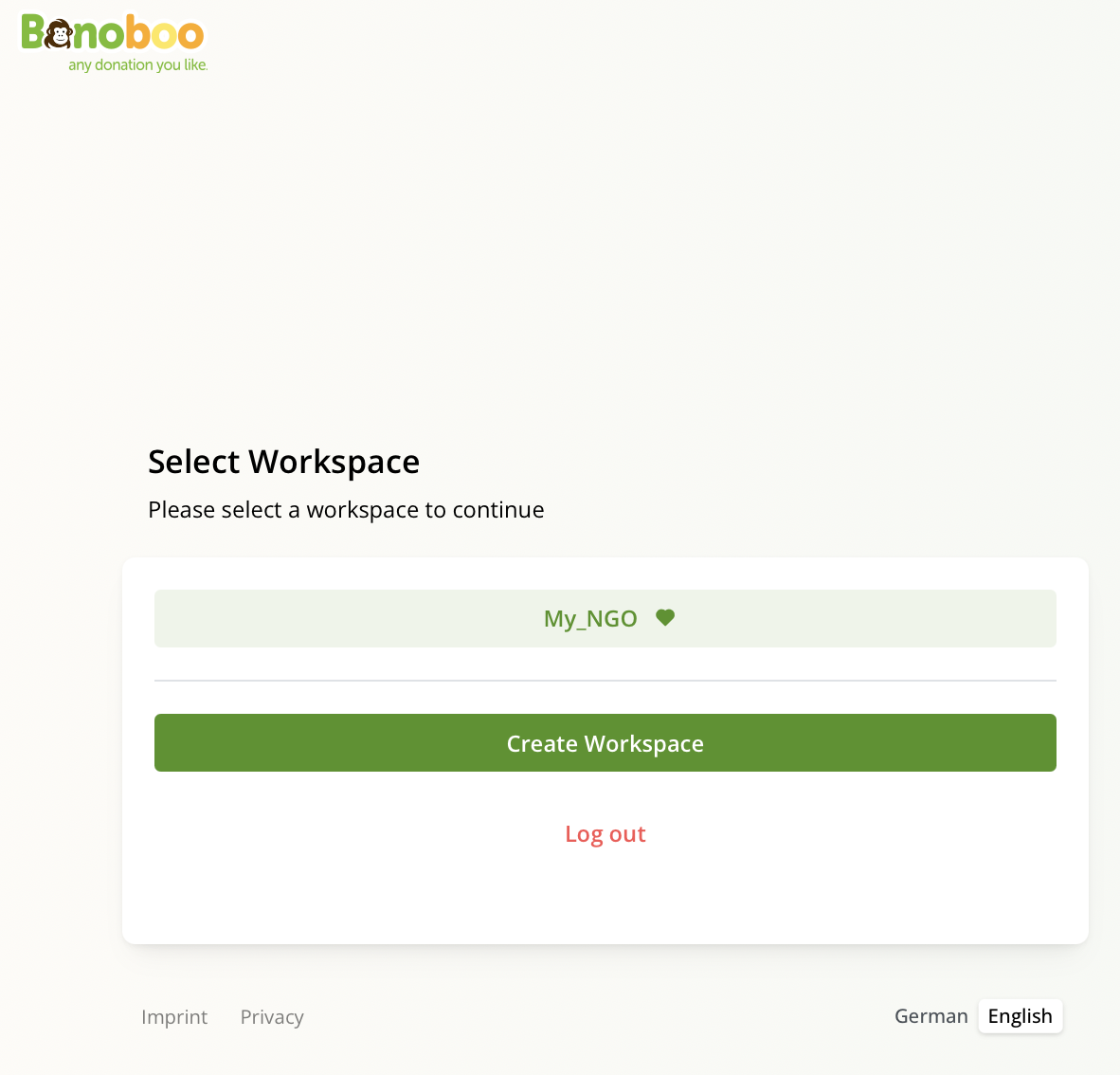
Select Workspace
3. After selecting the Register button, you will be directed to the workspace setup screen. To complete this process, click on Create Workspace, which will open a new window. In this window, select Workspace Type: NGO, enter the official name of your organization, and your Signup Code.
Note: The Signup code will be included in your onboarding email. For example, it will look like this: A93-BCD-8D3
Once this information is provided, click on Create Workspace and Continue to finalize the setup. At this point, your sign-up process is complete, and you will be taken directly into your new NGO workspace.
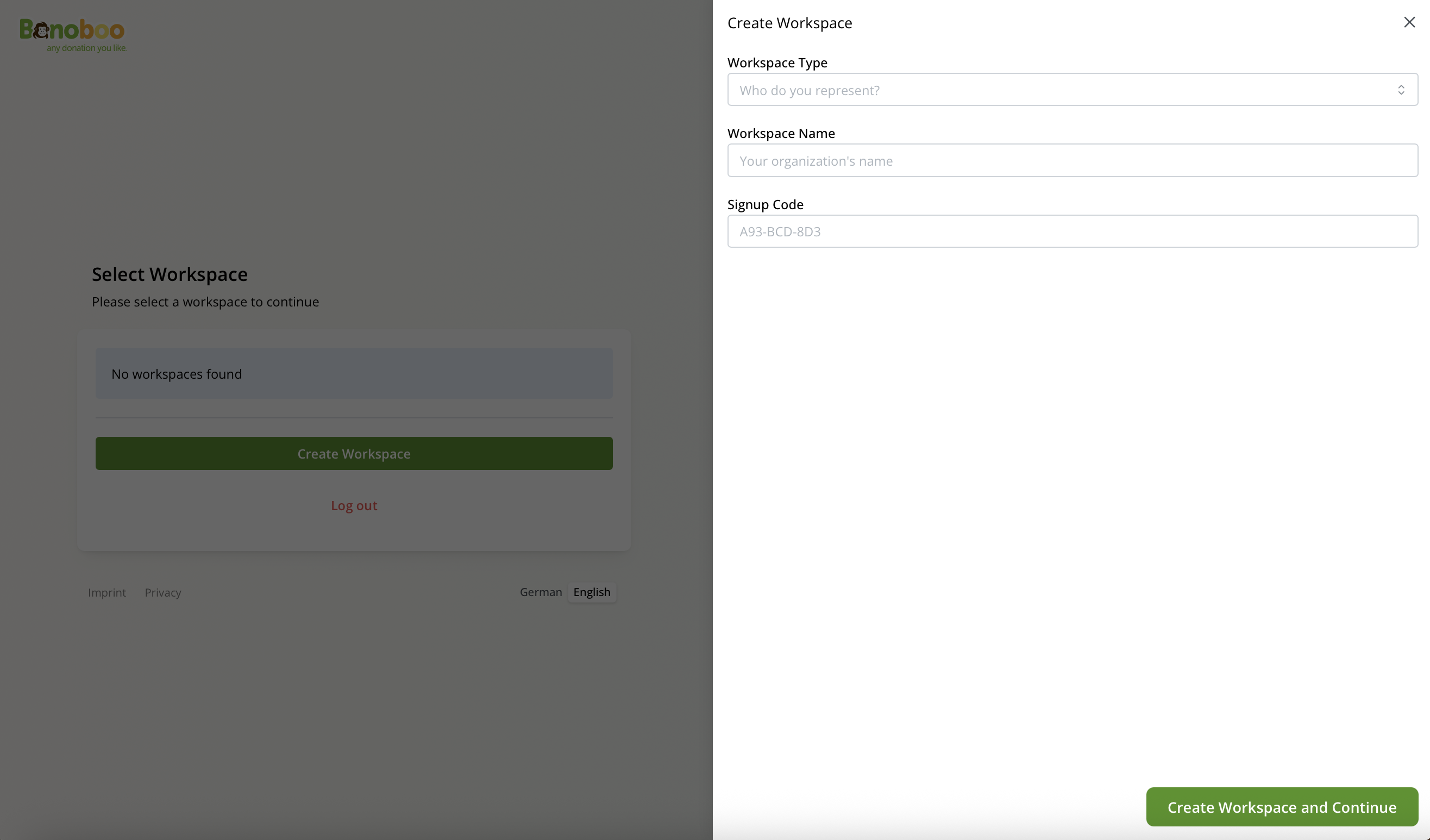
Create a Workspace 💻

Possible Errors
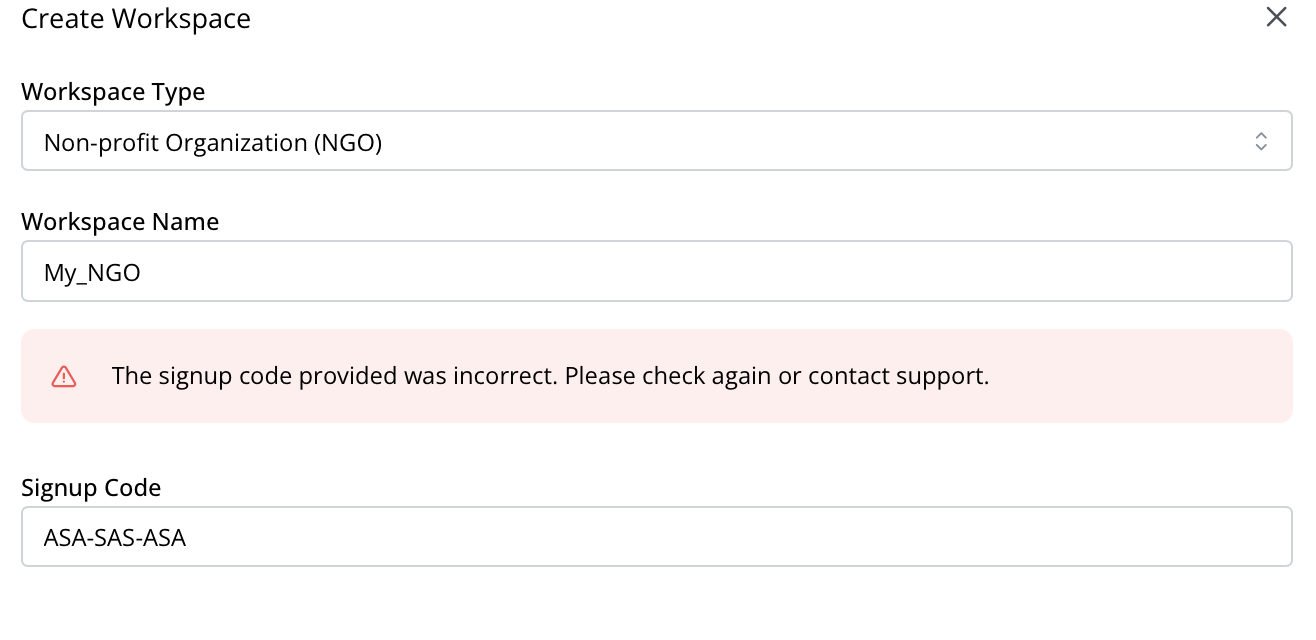
Introducing the wrong code
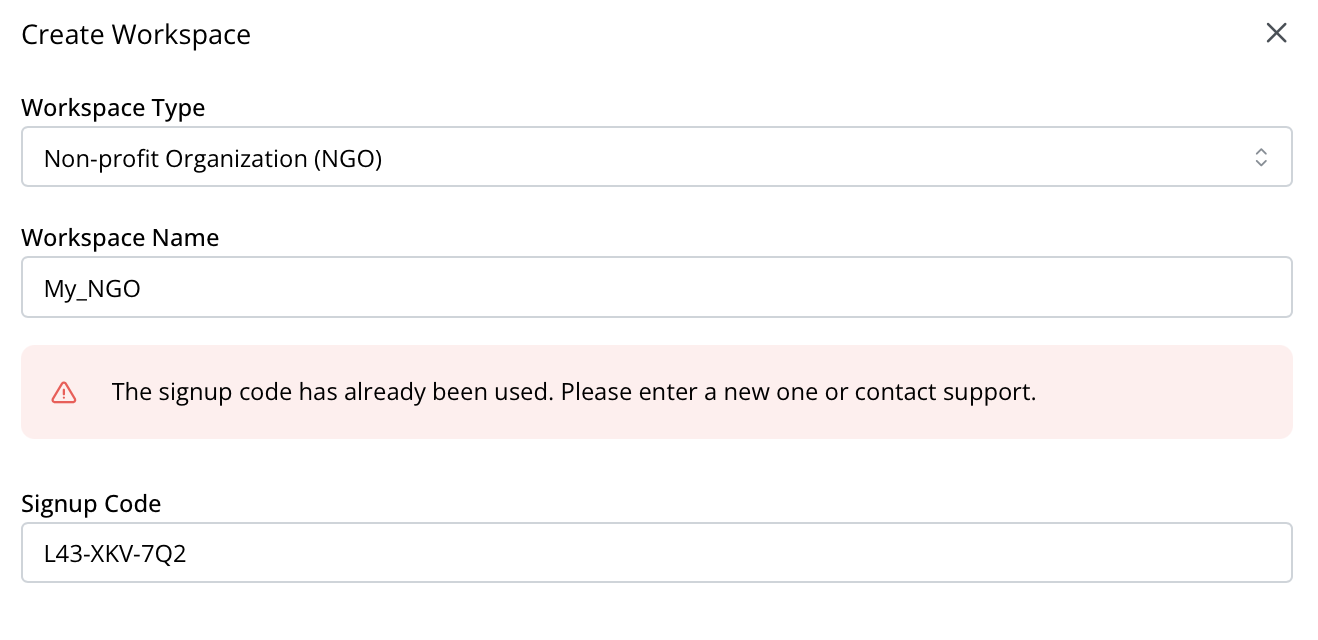
The signup code we sent you has already been used
Note: If you receive a notification indicating that your signup code has already been used, please contact us so we can provide you with a new signup code.